

Email Marketing Dashboard
Email Marketing Dashboard
Couldn't load pickup availability
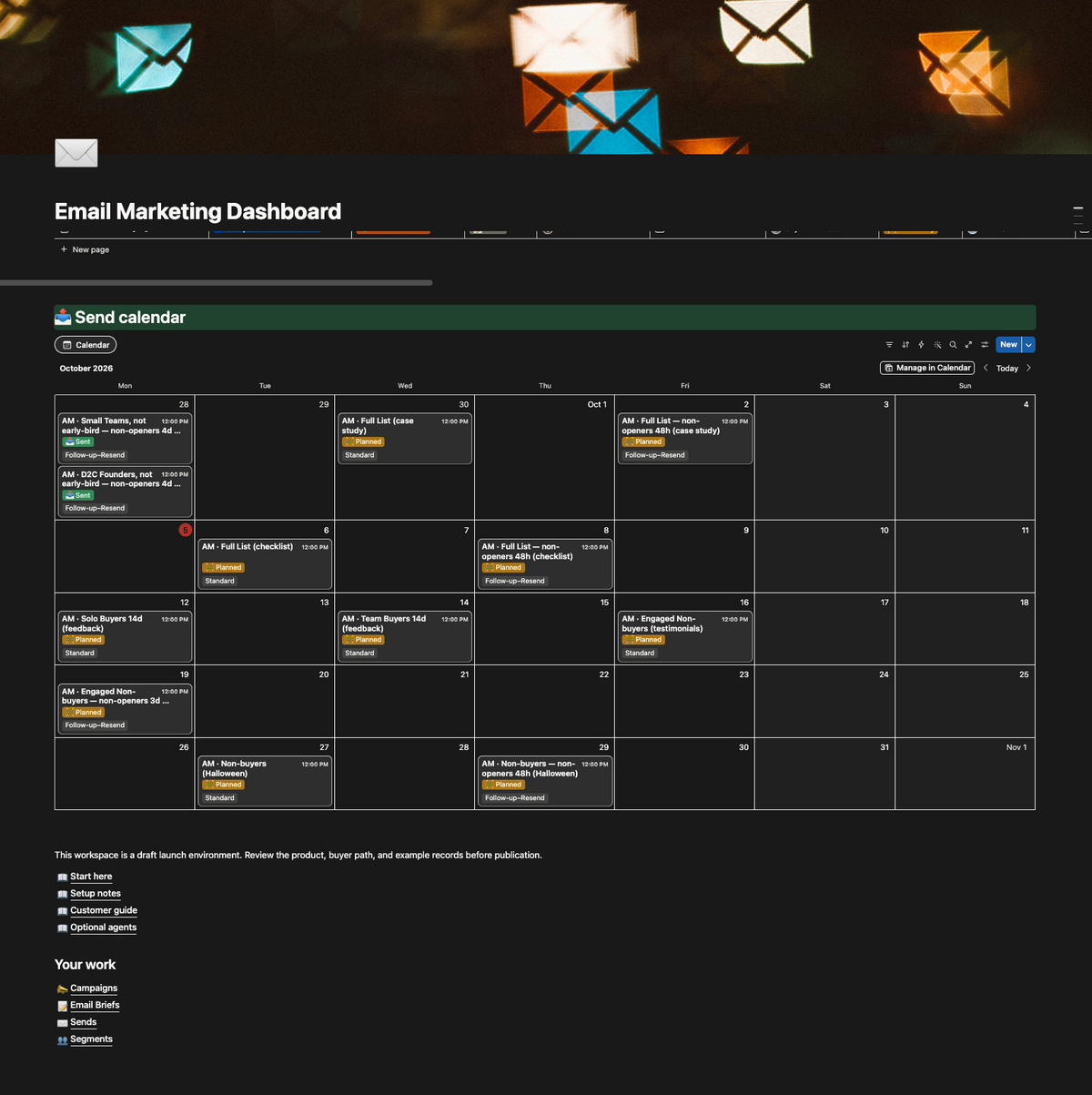
Every email shows its stage, its next step, and who's up. Nobody has to chase.
The same campaign tracker, briefs, checklists, and Next Step formula we built for an eight-figure D2C brand shipping 70+ emails a month, with 1,600+ past emails migrated in.
What's inside
- Campaign tracking system — every sale, launch, or content push gets one campaign page with its promo codes, emails, SMS, and design requests. Each campaign moves through marketing, inventory, pricing, build, and QA reviews, and a timeline shows what's live and what's next.
- One home for every email — each brief links to its campaign, offer, and day on the marketing calendar. Brief templates match your design team's email templates, so designers aren't rebuilding layouts from scratch.
- Owners and checklists on every brief — each brief names its copywriter, designer, and reviewers, with a checklist for every stage from copy to scheduling. Design QA and email QA get their own tabs, so every sign-off has a name and a timestamp.
- A Next Step on every email — a formula reads the checklist and writes one line: what happens next and who's up. Ticking a box moves the email forward on its own.
- Briefs and metrics in one place — segments, send times, UTMs, and exclusions on every email, with Klaviyo results (opens, clicks, orders, revenue) sitting next to the brief.
Who it's for
Teams where marketing, design, leadership, and email all touch every send, and where someone has quietly become the full-time chaser.
Running something more complex, like multiple teams, offers, or Klaviyo syncing? Book a call and we'll build it with you.
Share
Every email shows its stage, its next step, and who's up
Nobody has to chase. The campaign tracker, briefs, checklists and Next Step formula we built for an eight-figure D2C brand shipping 70+ emails a month, packaged as a Notion template.
What this fixes
-
Fix the handoffs before the copy
At volume, emails stall between people. If someone on your team has become the full-time chaser, put the next step and its owner on every email.
-
Give Slack one job
Quick back-and-forth that needs an answer in minutes stays in Slack. Status, sign-offs, and anything someone will look for later belong on the email itself.
-
Put results next to the work
When past emails and their numbers sit beside the brief, whoever writes the next one starts from what worked.